Yhaoo messenger is simple way to get in touch with your online friends, family and coworkers using Yahoo or MSN IDs. If you want to install chat application Yahoo Messenger on Mac system, then just follow the steps below.
Step 1
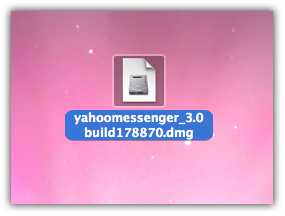
Download Yahoo Messenger for Mac save it on your desktop, double click on downloaded .dmg file
Step 2
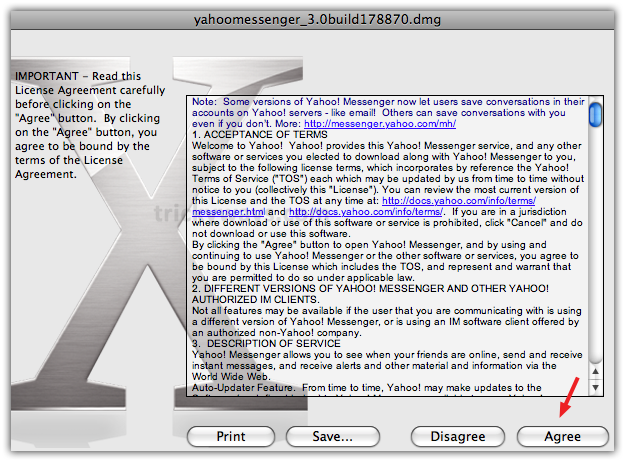
It opens Yahoo! Messenger licensing agreement, click on Agree button
Step 3
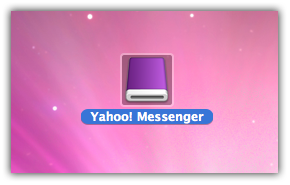
After a little processing it shows a Yahoo! Messenger disk icon, double click on it
Step 4
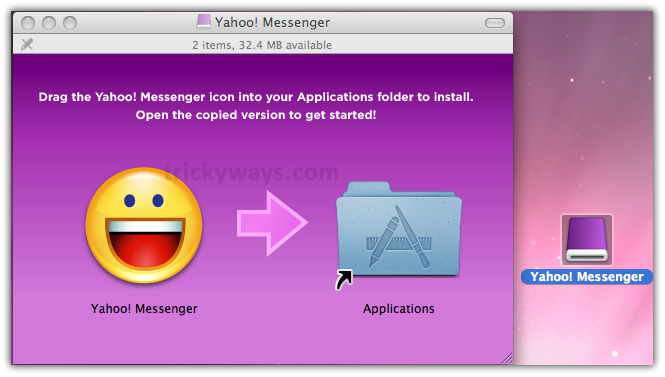
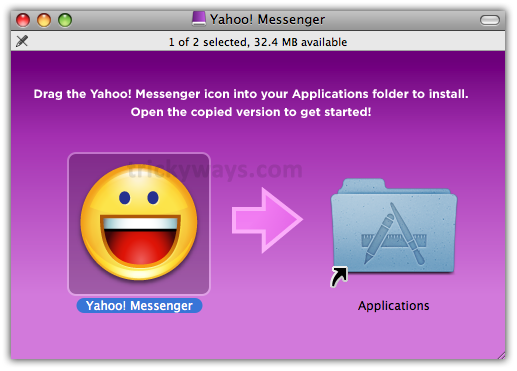
It opens a window with two icons. Drag Yahoo! Messenger disk icon on Applications folder
Step 5
Drag Yahoo! Messenger smiley icon on Applications folder
Step 6
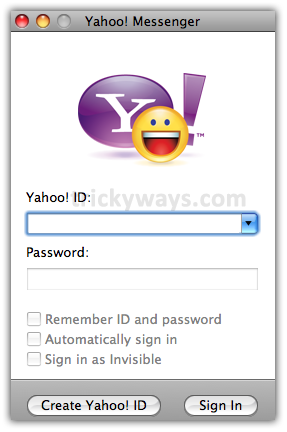
Yahoo Messenger is installed now on Mac. Double click on Smiley Yahoo Face to start instant messenger and Enjoy!
it still wont let me open it up
Just trying to access my yahoo messenger account from a regular computer!
thank u
Can we expect yahoo to develop the “yahoo messenger” for Mac Yosemite 10.10.3 ?